StageBeam
Turn any projector into stage lighting. Spots, washes, colour fades and animated effects, controlled from a laptop.
StageBeam runs on a laptop connected to a projector. A phone can't show the controls and the light at the same time, so here is what it does.
Link copied.
Open StageBeam
Free · no install · no account
How it works
- Connect a laptop to a projector or a big TV, with the screen set to extend (not mirror).
- Open stagebeam.live and click Open projector. Drag that window onto the projector and click it to go fullscreen. It becomes the light.
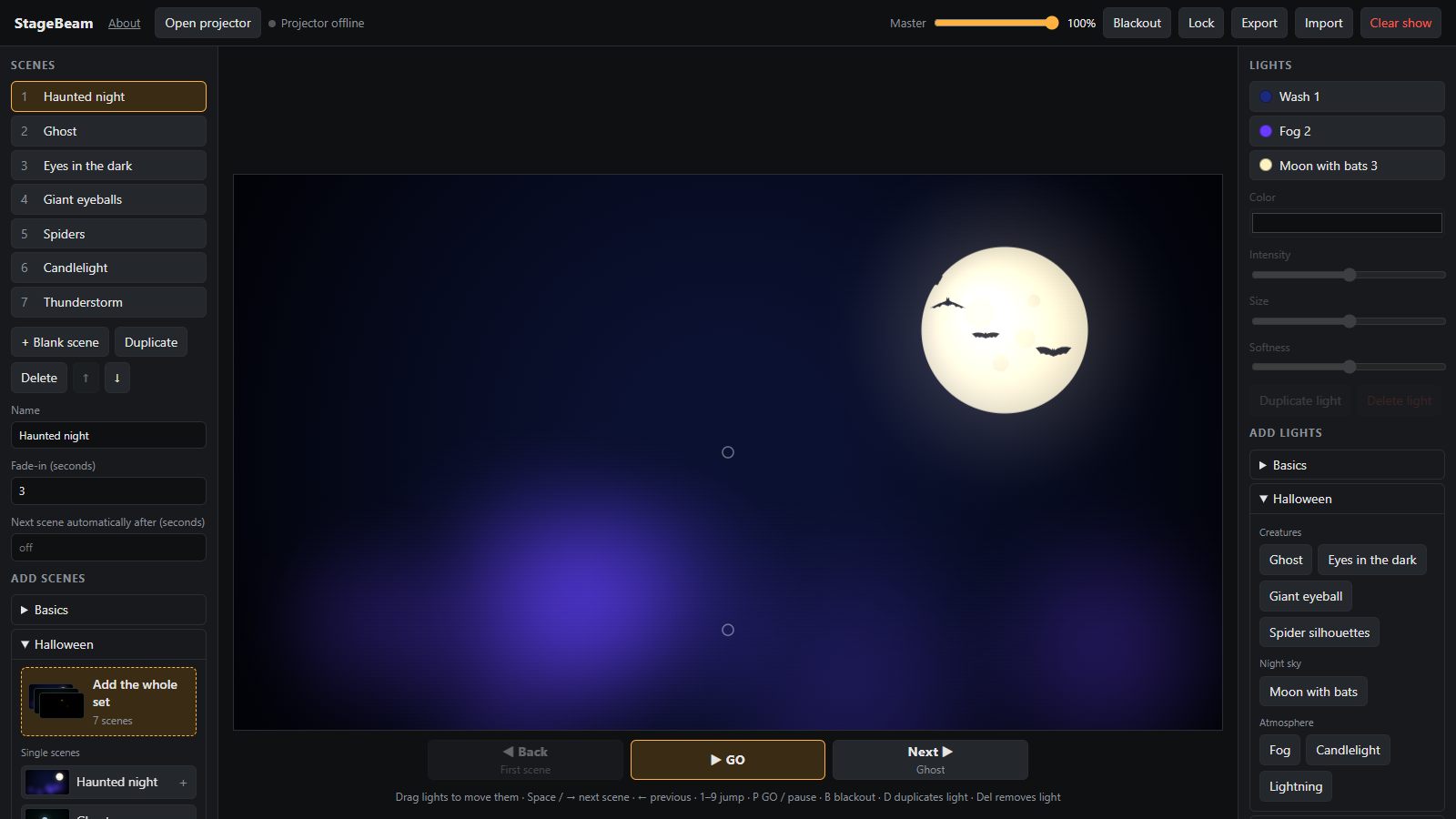
- The laptop keeps the controls: place spots and washes, pick colours, add animated effects like ghosts, fog or confetti, and save them as scenes.
- During the show, press Space for the next scene. Lights fade smoothly from one to the next.
Placeholder · photo of a room lit by StageBeam
Placeholder · photo of a small stage lit by StageBeam
What you need
- A laptop or computerAny current browser: Chrome, Edge, Firefox or Safari.
- A projector or TVConnected by cable, as a second screen.
- Nothing elseFree, no account. Works offline after the first visit.